Tools
Agents can use tools to interact with the external world, these can be APIs, databases, or other services, increasing the capabilities of your agent and extending its functionality beyond its own knowledge base and fixed environment.
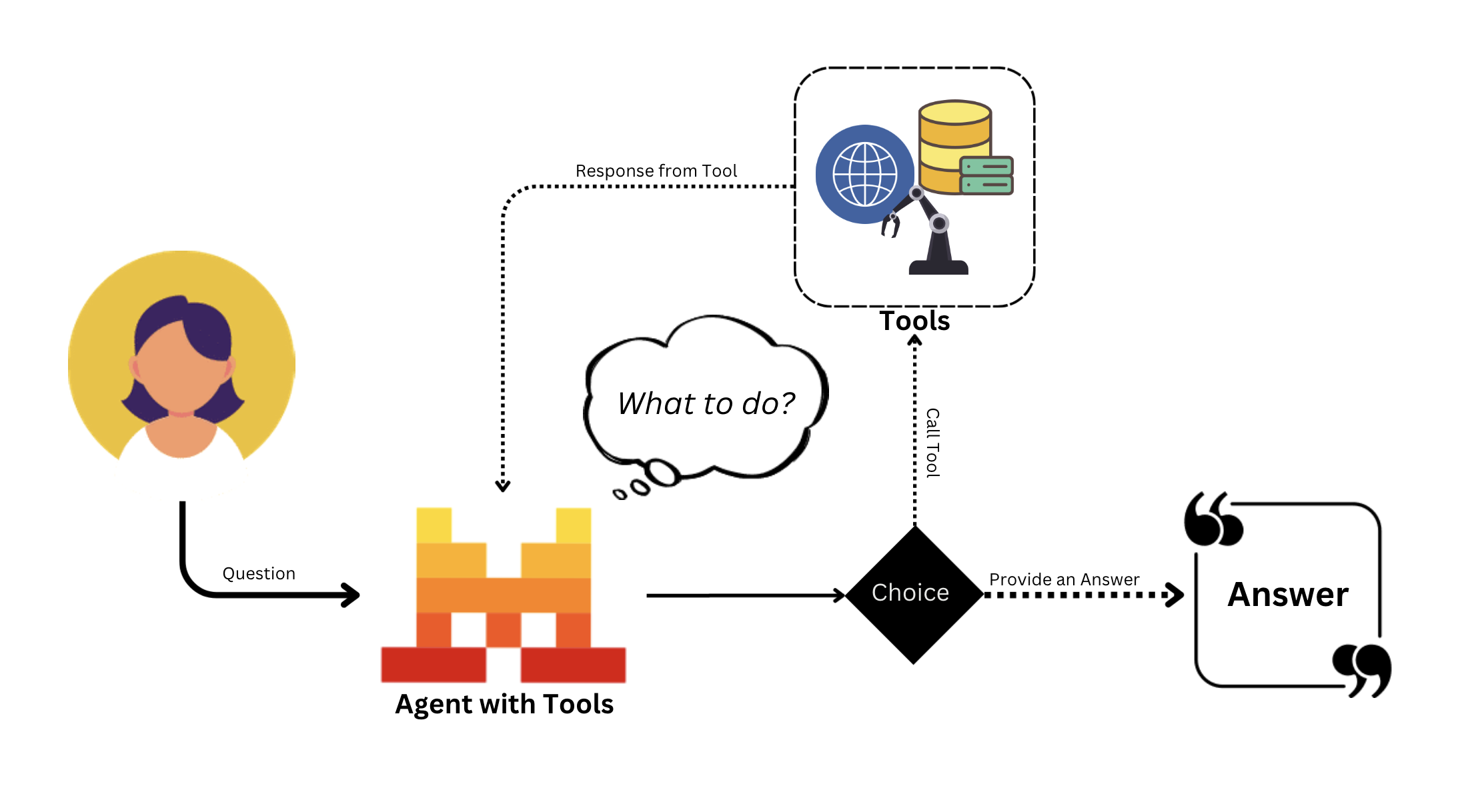
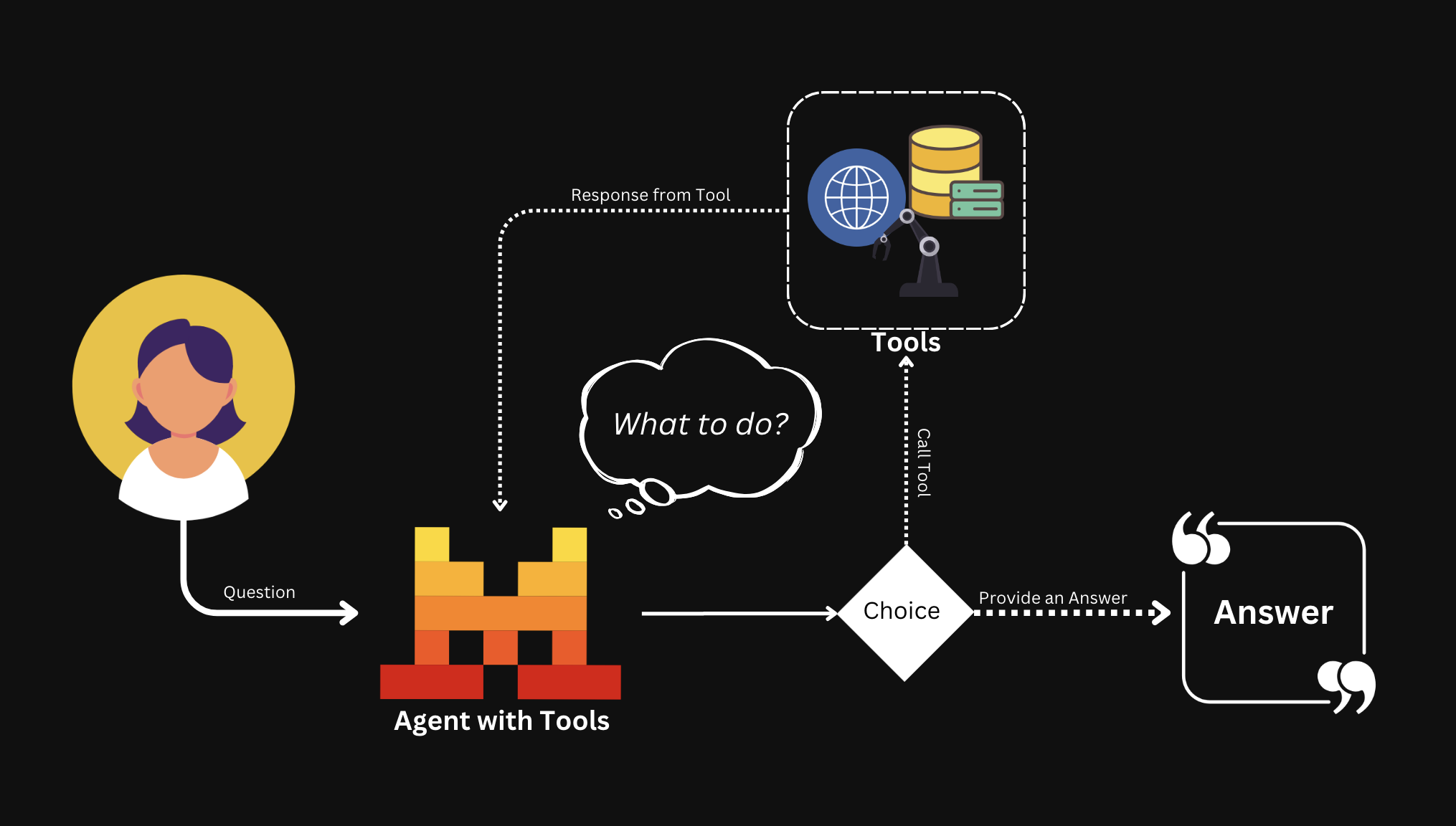
Tool types
We provide a variety of different types of tools agents can use.
| Type | Description |
|---|---|
| Web Search | Built-in. Search the web for up-to-date information not in the agent's knowledge. |
| Code Interpreter | Built-in. Run code and generate plots, useful for data analysis, visualization, or sandboxed execution. |
| Image Generation | Built-in. Generate images based on a prompt or description. |
| Document Library | Built-in. Search through documents uploaded to your Libraries, enabling RAG to answer questions based on specific information. |
| Function Calling | Custom local tools: functions defined in your environment that can be called by the agent. Execution happens locally. |
| Connectors | Register MCP servers as managed Connectors. Tools are discovered automatically and executed server-side. |
Built-in tools
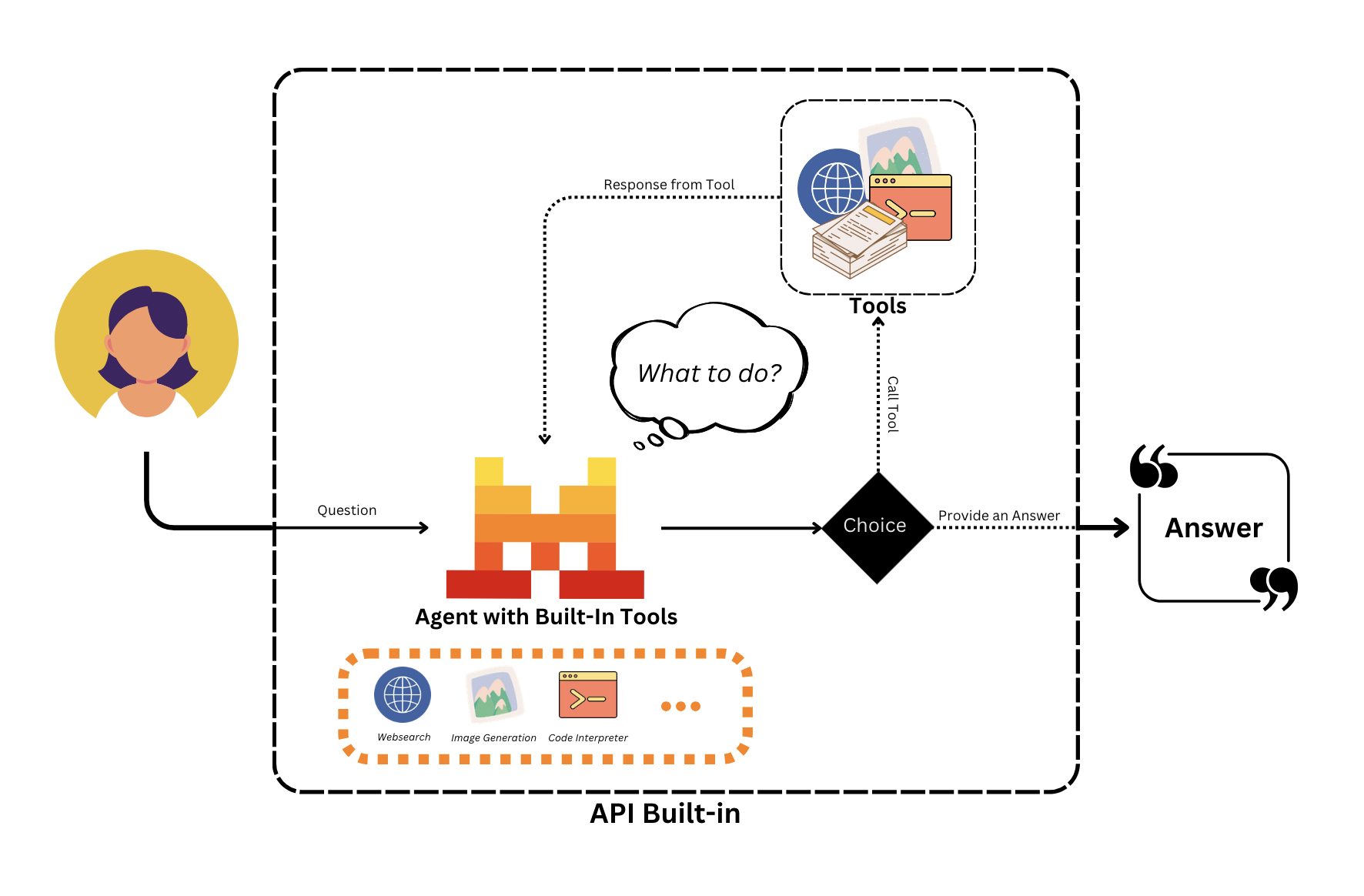
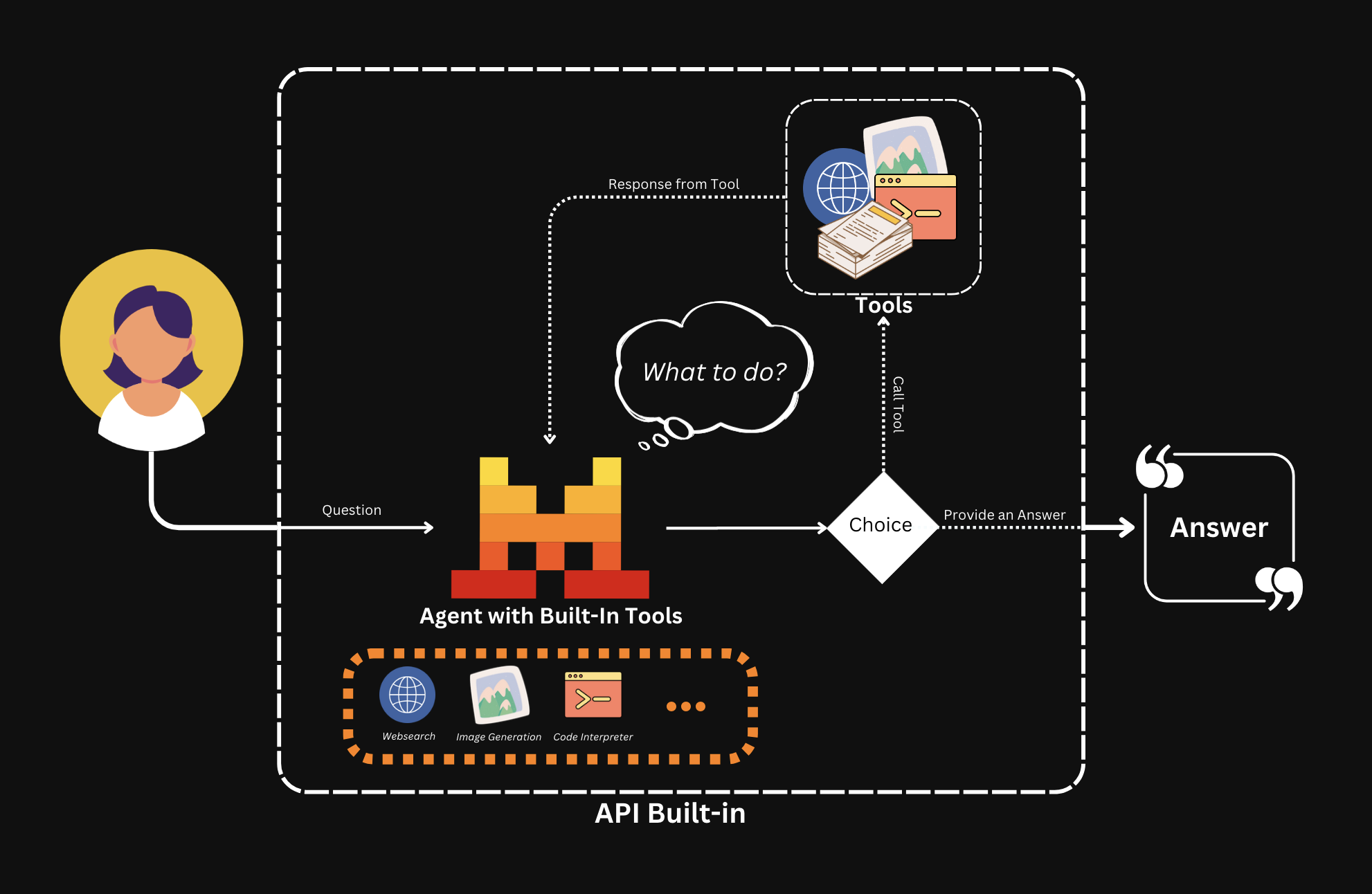
Built-in tools are ready out of the box. They can be called at any point, and all execution happens in our internal environment. They're also available for users to use directly via Conversations without creating an Agent first.
General usage
Built-in tool support depends on the API you use.
web_search, web_search_premium, and code_interpreter work with the Conversations API (/v1/conversations) and the Agents API. They aren't supported in the Chat Completions API (/v1/chat/completions). Built-in tools such as image_generation are also supported in the Chat Completions API.
To use them, specify the tool in the tools parameter when creating an Agent or calling the Conversations API.
You can use multiple tools at the same time!
agent = client.beta.agents.create(
    model="<model>",
    name="<name_of_the_agent>",
    description="<description>",
    instructions="<instructions_or_system_prompt>",
    tools=[<list_of_tools>]
)