[1' read]
Observability with Mistral AI and MLflow
EvaluationMlflow+1
This is an example for leveraging MLflow's auto tracing capabilities for Mistral AI.
More information about MLflow Tracing is available here.
Getting Started#
Install mistralai and mlflow (current versions as of 4-Feb-2025)
!pip install mistralai==1.5.0
!pip install mlflow==2.20.1Code#
import os

from mistralai.client import Mistral

import mlflow

# Turn on auto tracing for Mistral AI by calling mlflow.mistral.autolog()
mlflow.mistral.autolog()

# Configure your API key.
client = Mistral(api_key=os.environ["MISTRAL_API_KEY"])

# Use the chat complete method to create new chat.
chat_response = client.chat.complete(
    model="mistral-small-latest",
    messages=[
        {
            "role": "user",
            "content": "Who is the best French painter? Answer in one short sentence.",
        },
    ],
)
print(chat_response.choices[0].message)Tracing#
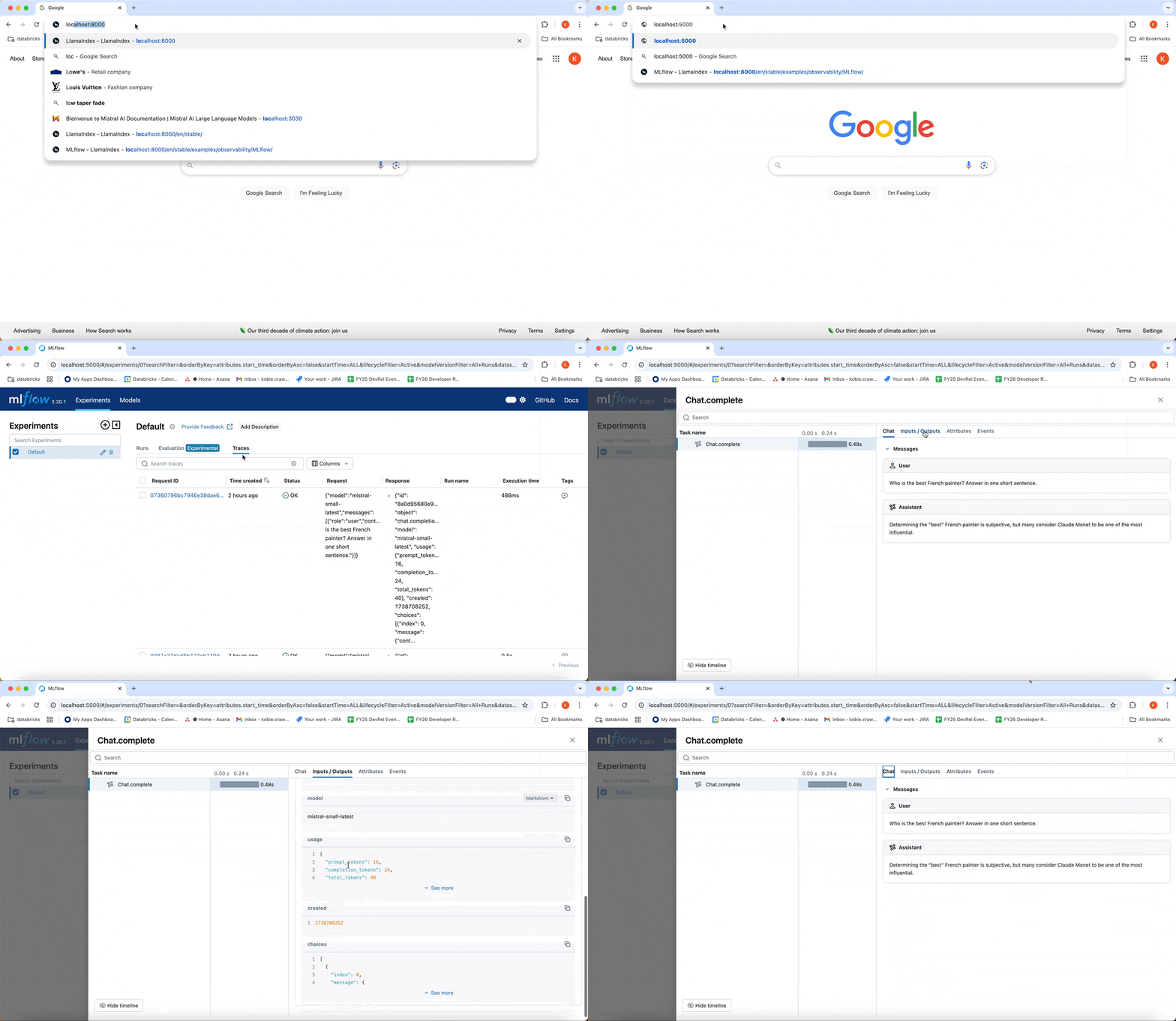
To see the MLflow tracing, open the MLflow UI in the same directory and the same virtualenv where you run this notebook.
Launch the UI#
Open a terminal and run this command:
mlflow ui
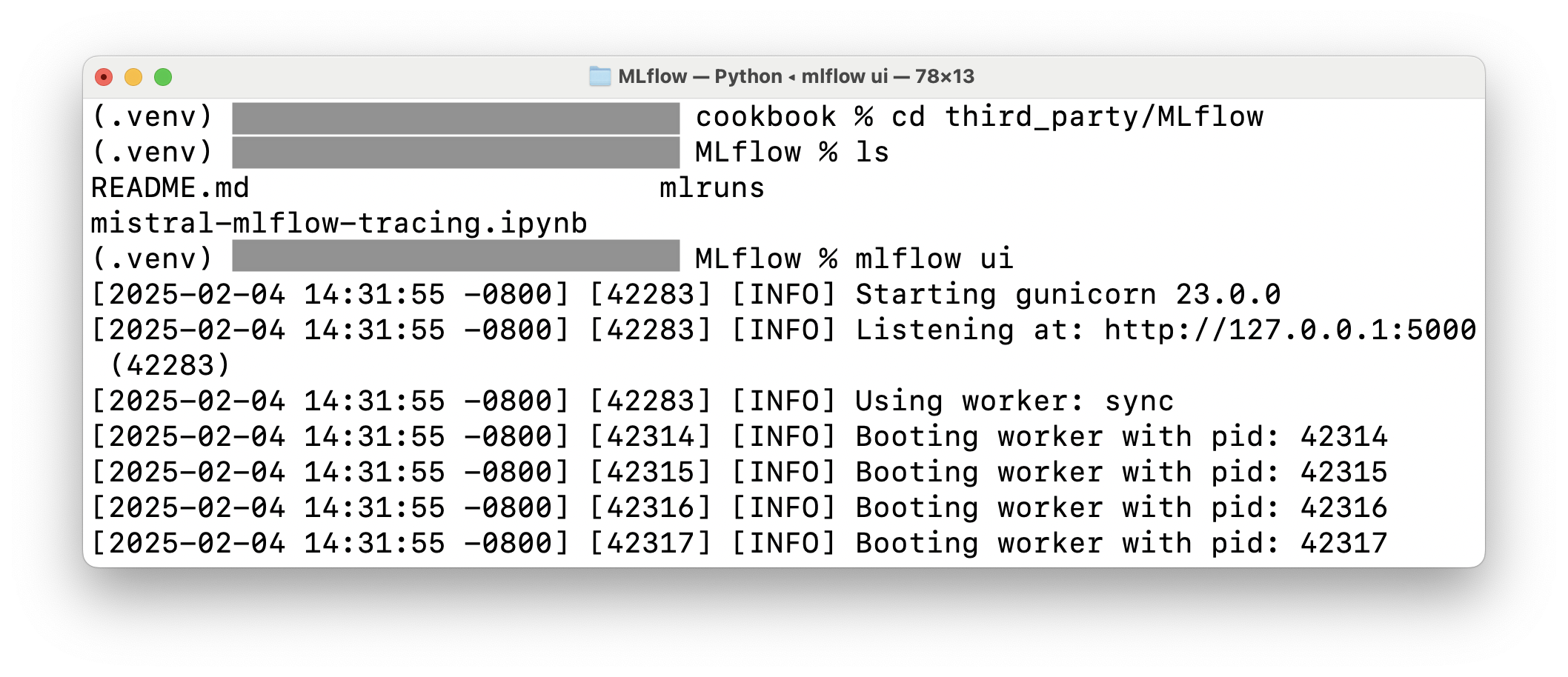
View the traces in the browser#
Open your browser and connect to the MLflow UI port (default: http://localhost:5000)