[2' read]
Github Automation with Mistral AI Agents
This cookbook show how to create an Agent that use mistral Medium to perform some actions on your github.
WIP: This cookbook is minimal working example and will still evolve in the near future.

Use Case#
- Create a New Repo.
- Manage PRs.
- Collaborate with the AI to create some code and upload some code to an existing repo.
Installation#
pip install chainlit mcp mistralaiEnvironment Setup#
In this example, we are relying on the docker mcp :
server_params = StdioServerParameters(
    command="docker",
    args=[
        "run",
        "-i",
        "--rm",
        "-e",
        "GITHUB_PERSONAL_ACCESS_TOKEN",
        "ghcr.io/github/github-mcp-server"
        ],
    env={
"GITHUB_PERSONAL_ACCESS_TOKEN": os.environ["GITHUB_PERSONAL_ACCESS_TOKEN"]
}hence you will to make sure that :
- you have docker on your computer.
- you pull the associated images:
docker pull ghcr.io/github/github-mcp-server3)You have created a token for github. You can do so HERE
Disclaimer: The coding is done by AI, hence when creating your GitHub token, for enhanced security, it is strongly recommended to create a fine-grained personal access token with only the minimum necessary permissions for the tasks you intend to perform.
Set your MistralAI API key and your Github key:
export MISTRAL_API_KEY="your_api_key_here"
export GITHUB_PERSONAL_ACCESS_TOKEN="your_api_key_here"Usage#
Run the application:
chainlit run github.pyAsk questions like:
- "Create a repo under my username : called ..."
- "Generate the files for a todo app and push them to repo ... under branch name ..."
MCP Usage#
There is two type of MCPs.
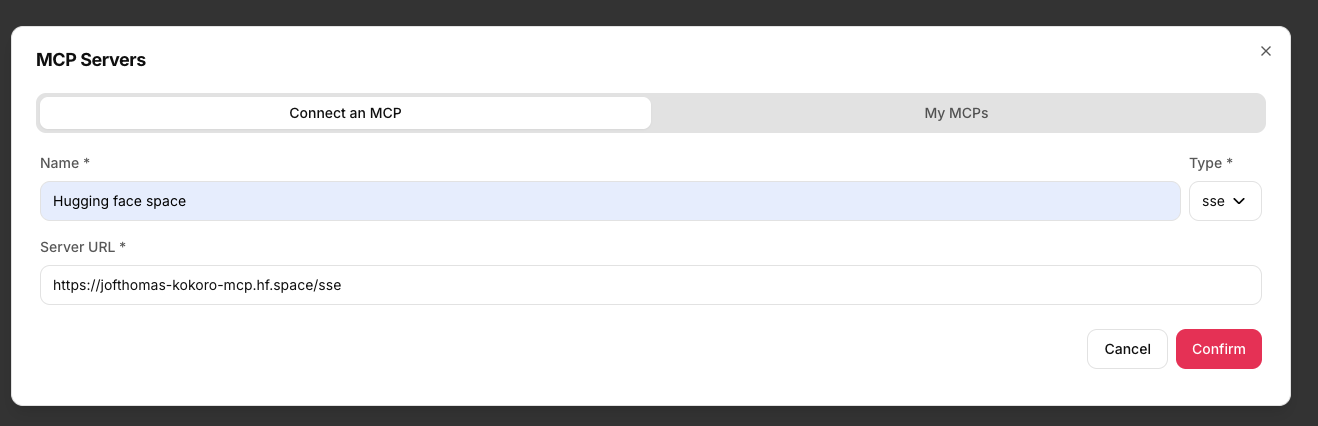
STDIO : Local usage of tools. SSE : Remote usage of tools.
In this example, we leverage the chainlit integration of MCP tools, and directly convert them in our API ! Hence do not hesitate to test other MCP Servers yourself.