Install the Vibe CLI and send your first prompt
Install the Vibe CLI, register your API key, and send your first prompt directly from the terminal.
- One-line install: get the CLI running in seconds on macOS or Linux.
- Setup wizard: register your API key on first launch.
- Send a prompt: have Vibe read your project and respond in the terminal.
By the end you'll have the Vibe CLI installed, configured, and responding to prompts in your terminal.
Time to complete: ~5 minutes
Prerequisites
- macOS, Linux, or Windows.
- Python 3.12 or later (for manual install).
- (Optional) a Mistral account if you want to use Mistral-hosted models. The CLI also works fully offline with local models or against any OpenAI-compatible API key you provide. See API keys and profiles for the full provider matrix.
On a different interface? See the VS Code extension or Vibe Code Web guides.
Step 1: Install the CLI
One-liner (macOS/Linux)
Run this in your terminal:
curl -LsSf https://mistral.ai/vibe/install.sh | bashThe installer checks uv (Astral's Python tool installer), installs or upgrades mistral-vibe, and makes the vibe and vibe-acp commands available, provided your PATH is configured.
Manual install (macOS/Linux/Windows)
If you prefer manual setup, or you're on Windows:
- Confirm Python 3.12+ is installed:
python3 --version. - Install with your preferred package manager:
# With uv (recommended)
uv tool install mistral-vibe

# With pip
pip install mistral-vibeFor Windows, install uv first via PowerShell, then run uv tool install mistral-vibe. See Install and setup for the full per-platform instructions.
Step 2: Launch and configure
- Open a terminal in any project directory.
- Run:
vibe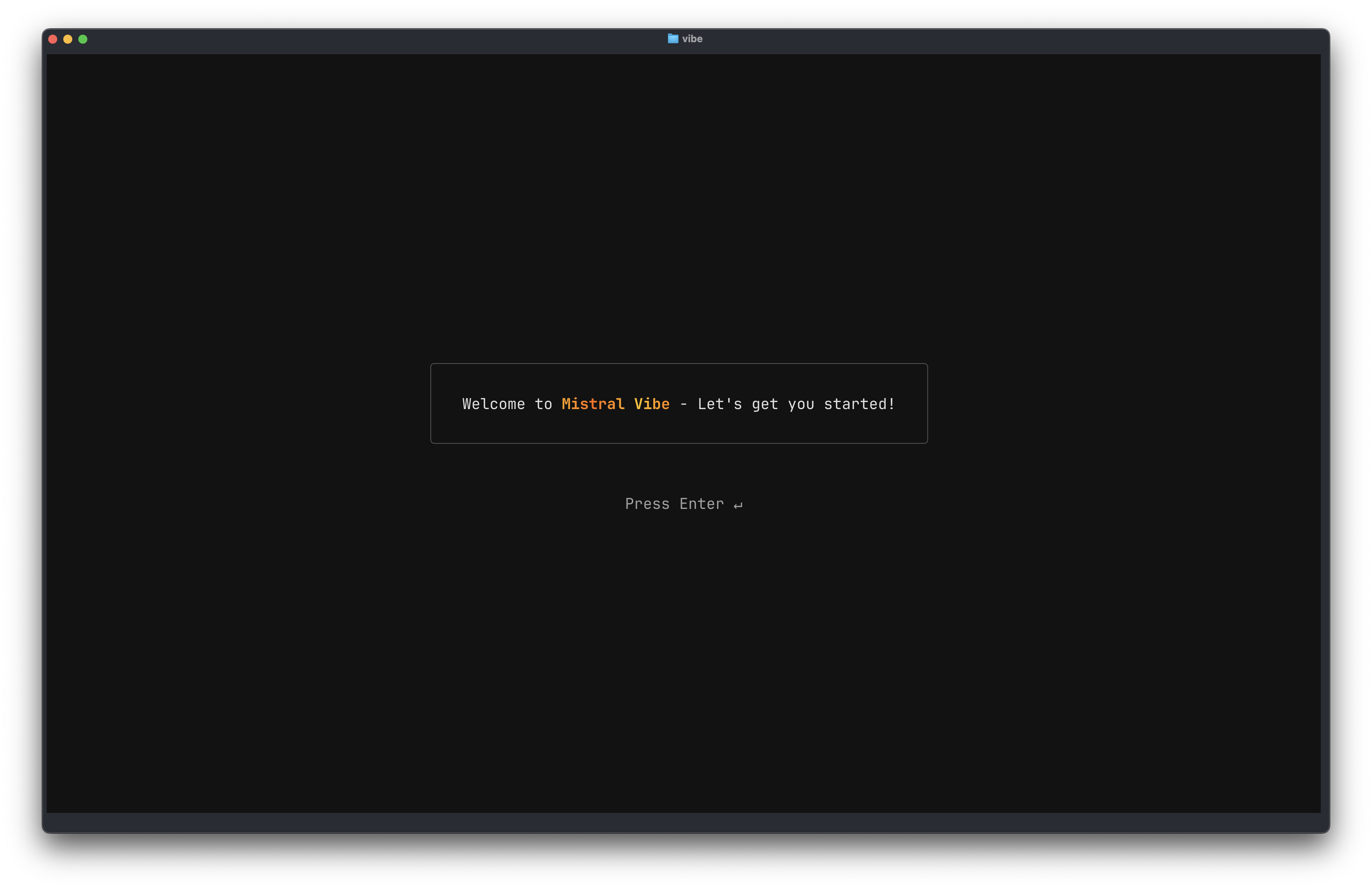
On first launch, the CLI runs a setup wizard to register your API key. By default it opens a browser to sign you in with your Mistral account; credentials are stored locally so you don't need to enter them again.
For non-Mistral providers or automation, paste an API key instead. Generate one from Studio›Code › Vibe CLI ↗. The same key works in Free mode, with a paid plan, or with pay-as-you-go enabled.
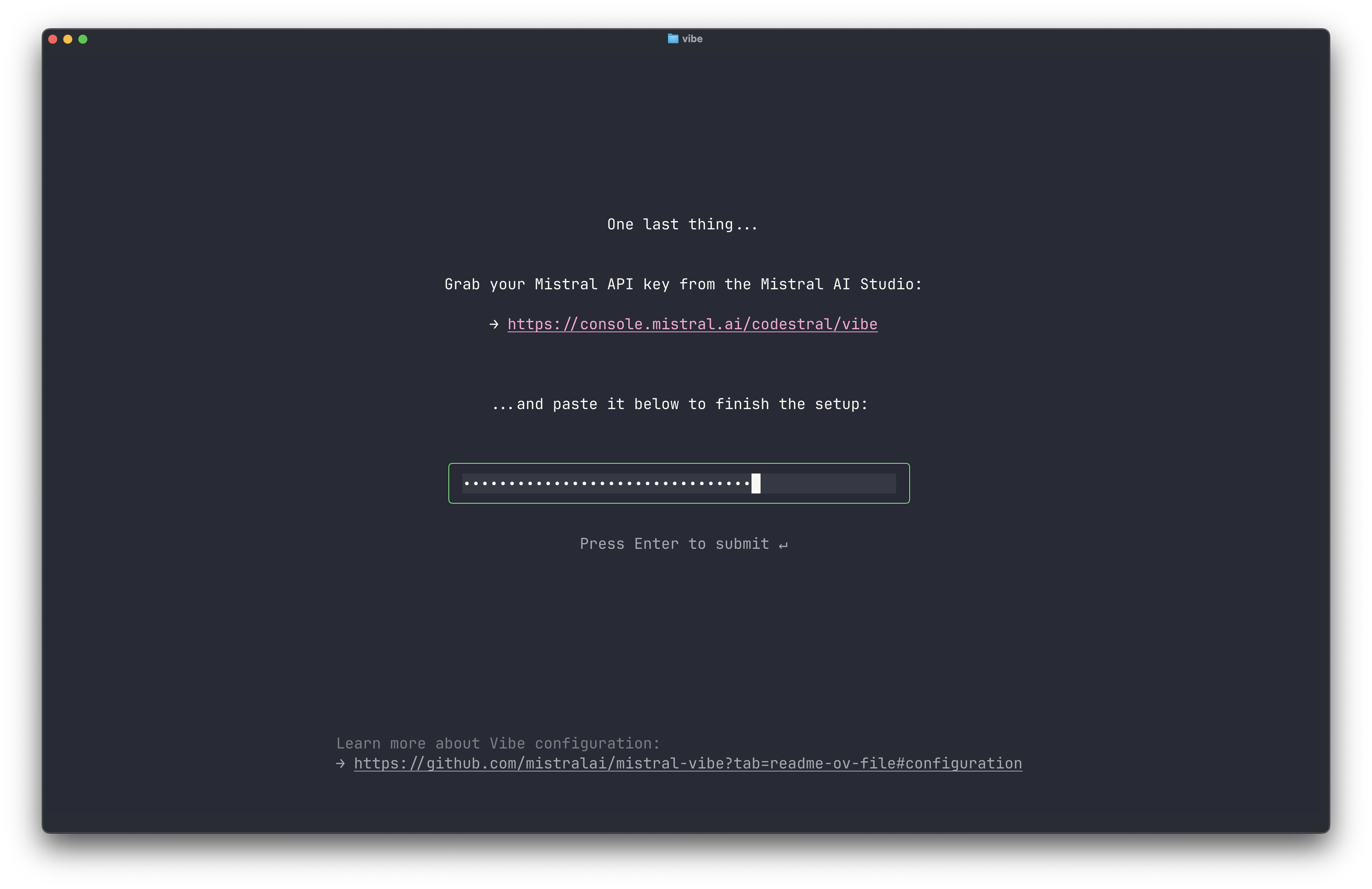
You can re-run the wizard anytime with vibe --setup.
If you run vibe for the first time in a non-empty project containing a .vibe/ directory, the CLI asks whether you trust the folder before loading any local configuration. See Trusted folders.
Step 3: Send your first prompt
Type a request directly in the prompt. For example:
List the files in this directory and explain what each one does.
The CLI reads your project context and responds with relevant information. It can also generate code, edit files, and run shell commands when you approve.
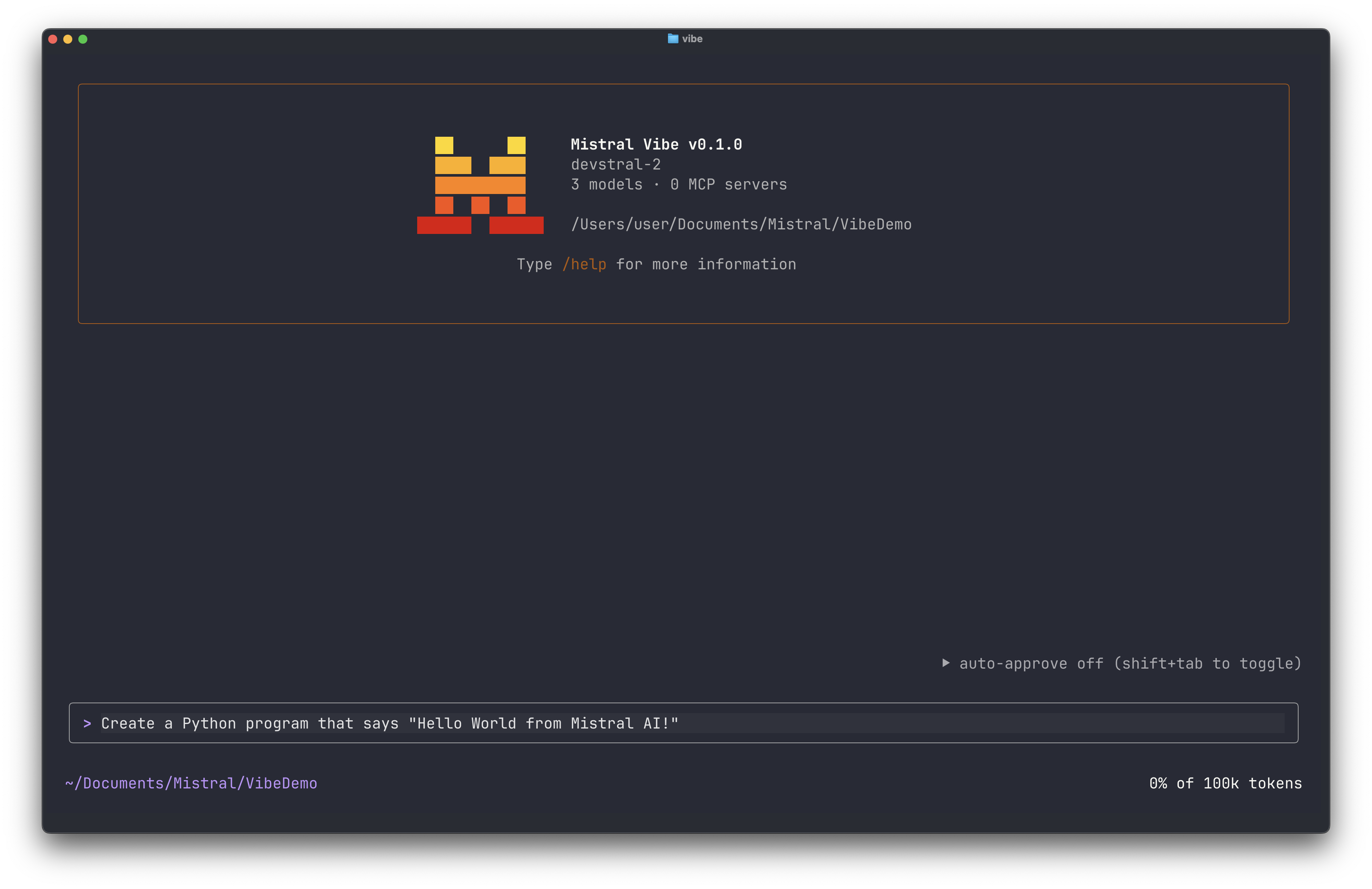
To run a shell command directly from the CLI, prefix it with !. For example: !ls or !git status.
Verify
You've completed the setup if:
vibe --versionreturns a version number.- You're signed in (or your API key is registered).
- The CLI responds to prompts with context-aware answers.